Web vs Mobile Trading: Which Is Better for Beginners?
The question isn't really "which platform is better" - it's which one matches how you actually plan to trade. A web platform, a desktop terminal and a mobile app can show the same charts and place the same trades, but they change how you make decisions in ways that matter more for a beginner than any single feature.
This guide compares all three formats criterion by criterion, walks through where each one creates risk for someone still building discipline, and gives you a practical way to use more than one without letting convenience undermine your plan.
Web, Mobile and Desktop Terminal: What Each One Actually Is
- Web platform. Runs in a browser, no download required. Usually the fastest way to start, with a layout close to a desktop terminal but accessible from any computer.
- Mobile app. A dedicated Android or iPhone app, built for a small screen and quick access. Designed for checking positions and placing trades on the move, not for extended chart analysis.
- Desktop terminal. A downloaded application, typically the most feature-complete option - deeper charting tools, more order types, and the ability to run multiple charts side by side. Not every platform offers one, and beginners rarely need it on day one.
Most traders end up using at least two of these at different points - one to build and test a strategy, another to monitor it day to day.
Comparing the Three by What Actually Matters to a Beginner
| Criterion | Web Platform | Mobile App | Desktop Terminal |
| Chart detail and screen space | Good - full-size charts, multiple indicators visible at once | Limited - one chart, smaller candles, easy to miss context | Best - multiple charts and timeframes side by side |
| Setup required | None - works in any browser | App download and account link | Software download and installation |
| Where you tend to trade from | A desk, usually with fewer distractions | Anywhere - which is the main appeal and the main risk | A dedicated trading setup |
| Best suited for | Learning to read charts and testing a strategy | Monitoring open trades and executing a plan you already built | Active, detailed chart analysis across several assets |
| Risk for a beginner | Low - encourages a slower, more deliberate process | Higher - convenience can lead to impulsive entries | Low, but can be more complexity than a beginner needs at first |
The Case for Starting on Web
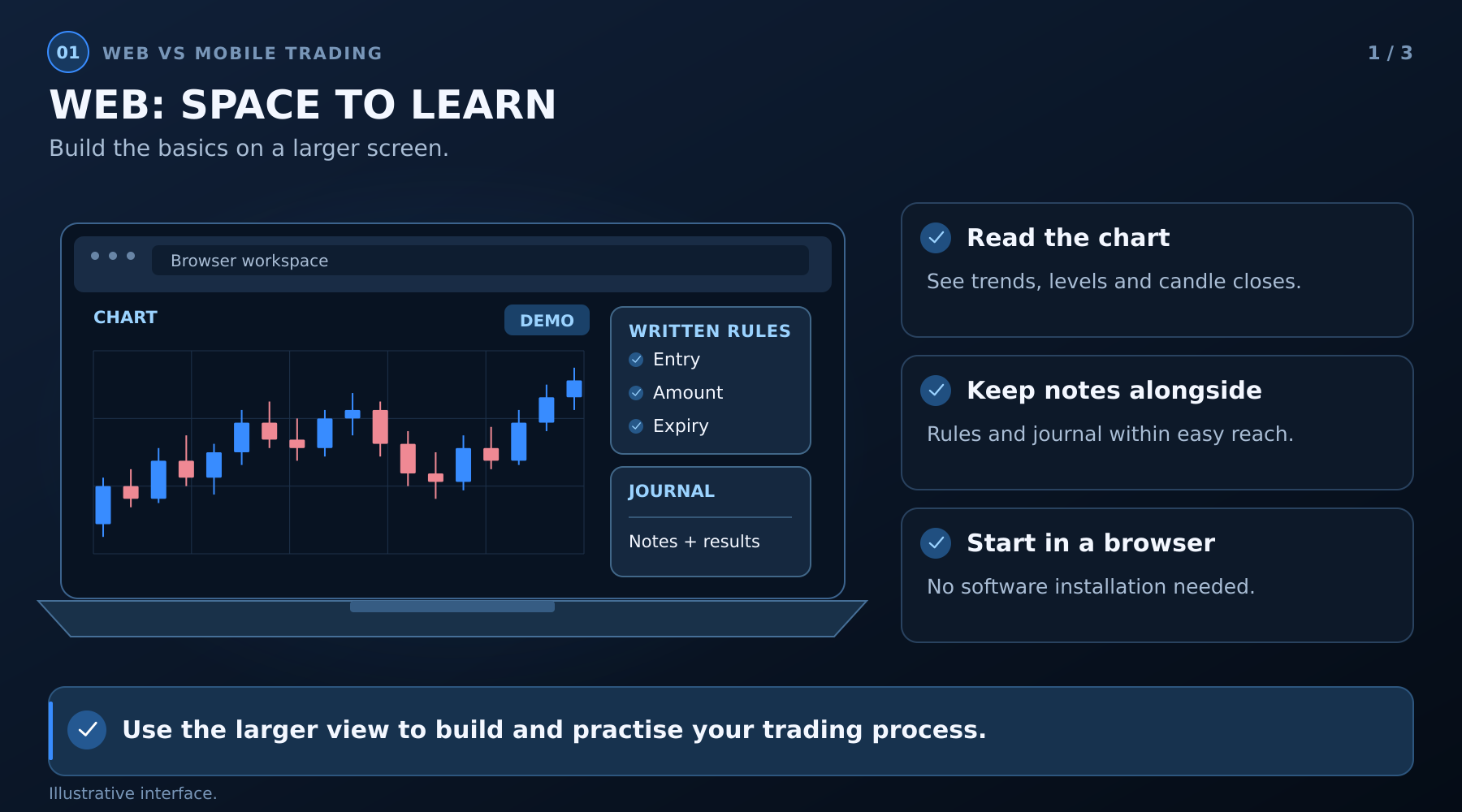
For a beginner still building a strategy, a larger screen makes the learning process itself easier. Reading a chart properly - checking a trend, marking a level, waiting for a candle to close - is simpler when you're not squinting at a compressed view. Web platforms also make it easier to keep other resources open alongside your chart, like your written trading rules or your trading journal, while you're actively deciding on a trade. There's also nothing to install, which removes one barrier to actually starting your first demo session.
The Case for Mobile
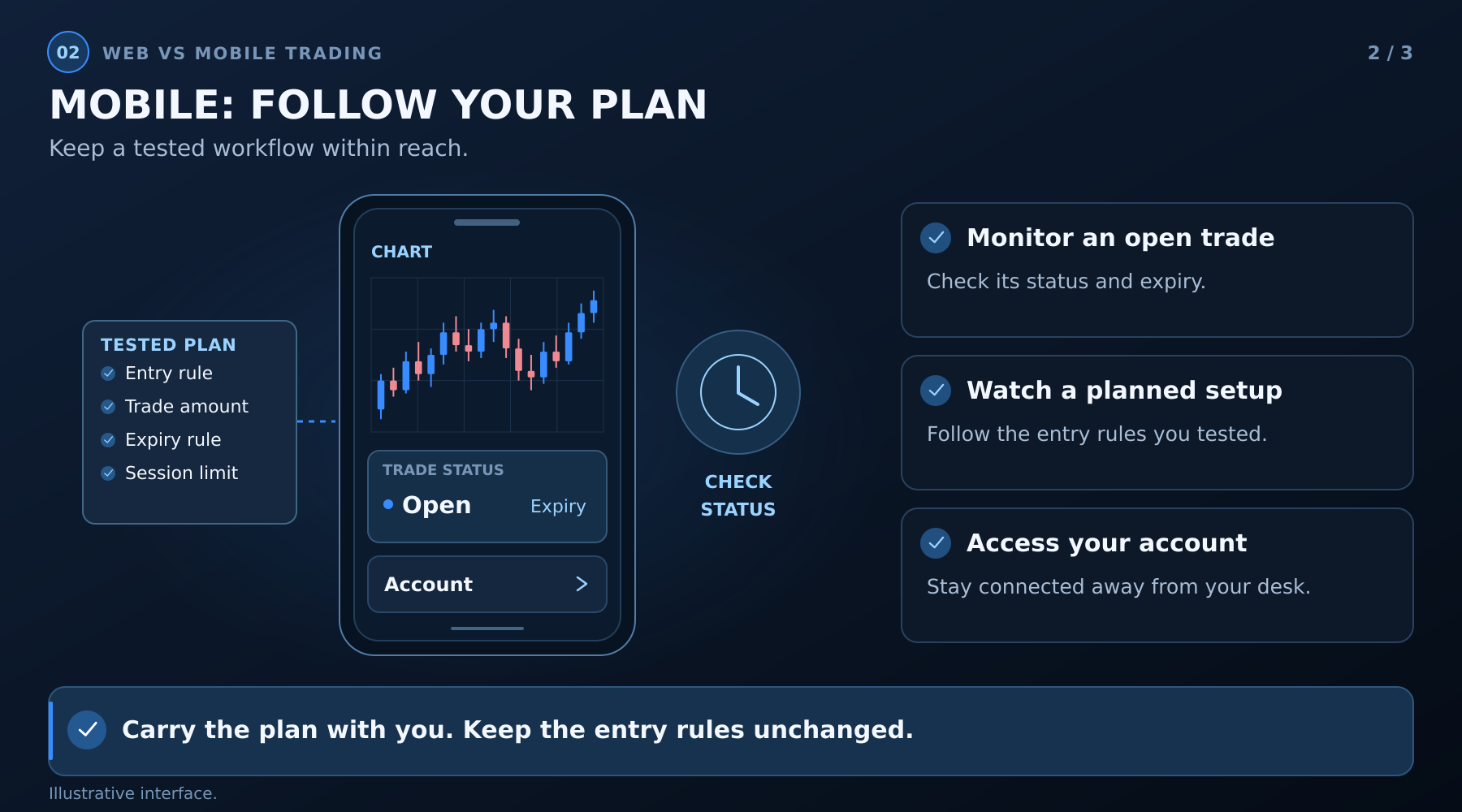
Mobile trading earns its place once you already have a tested strategy and just need to monitor or execute it. A trading app for Android or iPhone is genuinely useful for checking an open trade's status, watching for a specific setup you're already expecting, or managing an account when you're away from a desk. It's a tool for following a plan you've already built - not usually the best place to build that plan from scratch.
The Case for a Desktop Terminal
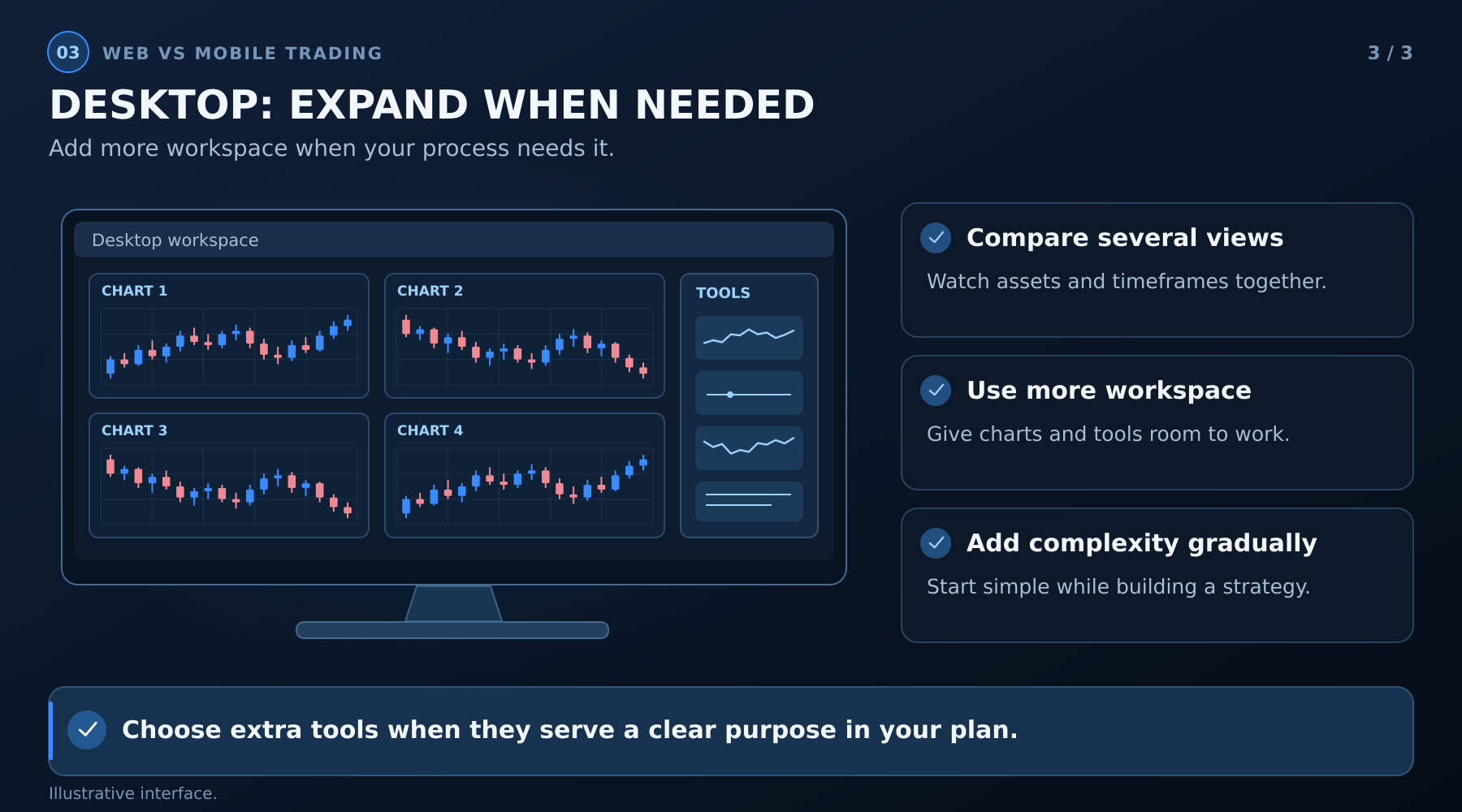
A desktop terminal matters most once you're regularly watching several assets or timeframes at the same time, or using chart tools that need more screen space than a browser tab comfortably offers. It's not something a beginner typically needs in the first weeks - starting there before you've even settled on a strategy just adds complexity to a stage where simplicity helps more.
Where Mobile Trading Creates Risk for Beginners
The convenience that makes mobile appealing is also what makes it risky for someone still developing discipline. A few specific patterns are worth watching for:
- Trading in short, distracted moments - between tasks, while doing something else - rather than in a focused session where you can actually apply your rules.
- Checking an open trade repeatedly because it's easy to, which tends to increase the urge to close early or deviate from the original plan.
- Entering a trade quickly because you're already looking at your phone, rather than because your setup actually appeared.
- Smaller charts hiding context. A level or trend that's obvious on a full-size chart can be easy to miss on a phone screen, leading to entries that look fine in isolation but ignore the bigger picture.
None of this means mobile trading is a mistake - it means it works best once you already have rules disciplined enough to survive being applied quickly, in a smaller window, with more distractions around you.
A Reasonable Way to Use More Than One
- Build and test your strategy on web - including your first sessions on an online trading demo account, where a larger screen makes it easier to actually learn the platform and read your charts properly.
- Log every trade the same way regardless of device, using the same rules and the same journal - the device you traded from shouldn't change what counts as following your plan.
- Move to mobile for monitoring and familiar setups once your rules are established enough to apply quickly, and set a personal limit on trading from your phone if you notice it's leading to more impulsive entries than your web sessions.
- Add a desktop terminal only once you need it - when watching multiple charts at once becomes a genuine part of your process, not before.
A Simple Checklist for Choosing Your Starting Device
- Am I still building and testing my strategy, or executing one I already trust? Web and terminal suit the former; mobile suits the latter.
- How much of my trading time will happen in short, distracted windows versus a dedicated session? More distracted time argues against starting on mobile.
- Do I need to watch more than one chart or timeframe at once? If yes, a desktop terminal is worth considering once you're past the basics.
- Will I actually use a downloaded terminal, or is a browser tab realistically what I'll open every day? Pick the format you'll actually use consistently.
Frequently Asked Questions
Is a Trading App as Safe to Use as a Web Platform?
Functionally, yes - the security and account features are typically the same across web and mobile. The added risk with mobile isn't about the app itself; it's about trading in more distracted, less deliberate moments.
Should Beginners Avoid Mobile Trading Completely?
Not necessarily. It's more useful to be deliberate about when you use it - for monitoring trades and executing a plan you already built, rather than for developing that plan in the first place.
Do I Need a Desktop Terminal as a Beginner?
Usually not right away. A terminal's main advantage - running several detailed charts at once - matters most once you're already comfortable with the basics and have a specific reason to watch multiple assets simultaneously.
Which Should I Use First?
If you're still learning to read charts and building your first strategy, start on web. Add the mobile app once you have rules you trust enough to follow on a smaller screen with less time to think, and consider a terminal only once your process genuinely calls for it.
Risk notice: Trading involves a risk of losing the amount committed to a trade. Demo results and past performance do not guarantee future outcomes. This article is educational and does not provide personalised investment advice.